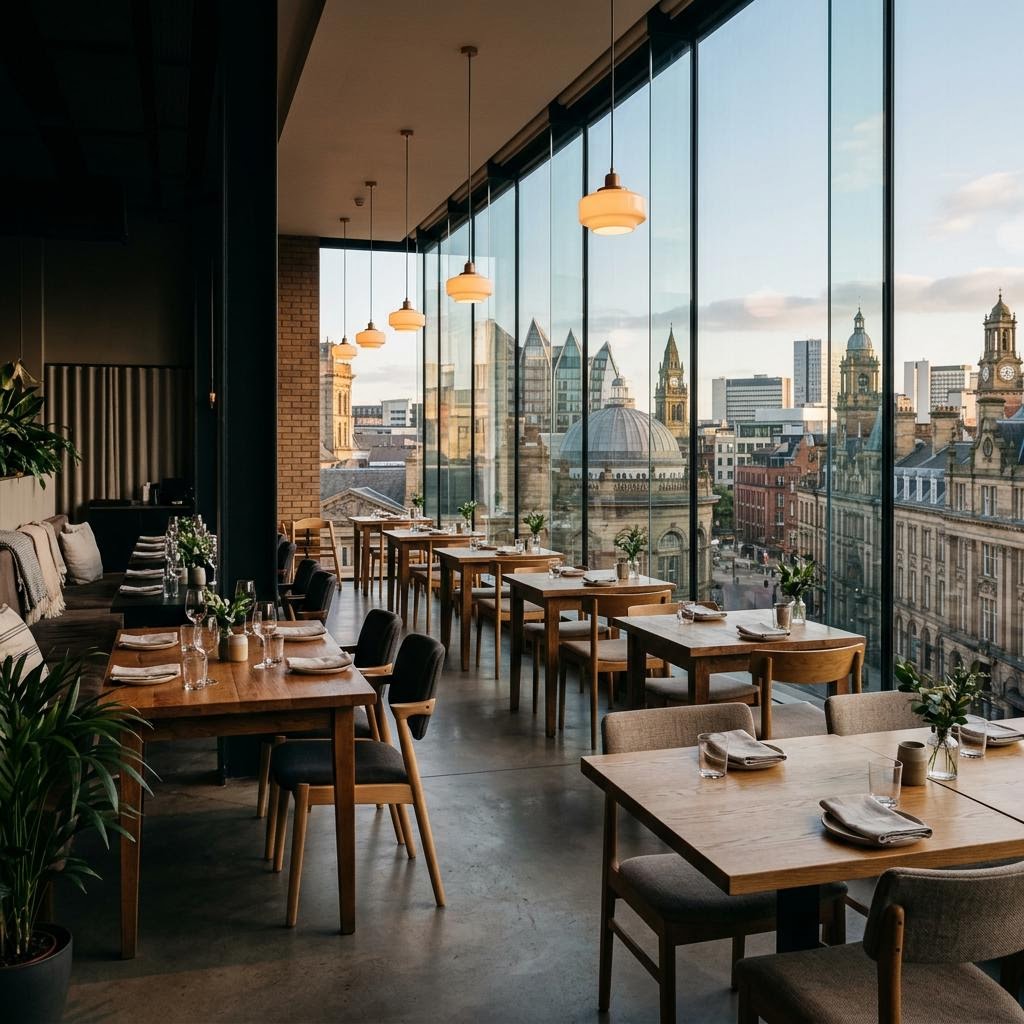
Leeds restaurant POS: from table to kitchen.
For Leeds operators considering tablet ordering, the important detail is the whole journey: guest order, system hand-off, kitchen preparation and what happens if a device drops offline.
Blue Sakura’s case study describes a specific fine-dining tablet setup.
Read the Blue Sakura case studyWhat the Blue Sakura case study says.
The published case study describes Blue Sakura’s own configuration. It is an example to discuss, not a standard specification for every customer.
TABLET ORDERING
Blue Sakura’s case study describes 50+ synced tablet ordering devices. This is case-study-specific, not a claim about all installations.
DEVICE RESILIENCE
The case study describes offline capability for that setup. Ask how offline behaviour works in the configuration being proposed to you.
KITCHEN COMMUNICATION
The case study also describes kitchen printing. Map where tickets should print, what they need to contain and how a change reaches the kitchen.
Follow one order from guest to kitchen.
Use a representative service scenario in a demo. The goal is to check the hand-offs and exceptions, not just the tablet screen.
- 01
Place
How does a guest browse, choose options and submit an order?
- 02
Route
How does that order appear at the till or in the kitchen workflow?
- 03
Recover
What does staff do if a device or connection is unavailable?
Compare the pieces of the flow.
Review the product pages alongside the requirements you have written down.
Talk through your Leeds setup.
Tell us how service works today. Ask for a product demo or a callback through the contact form.