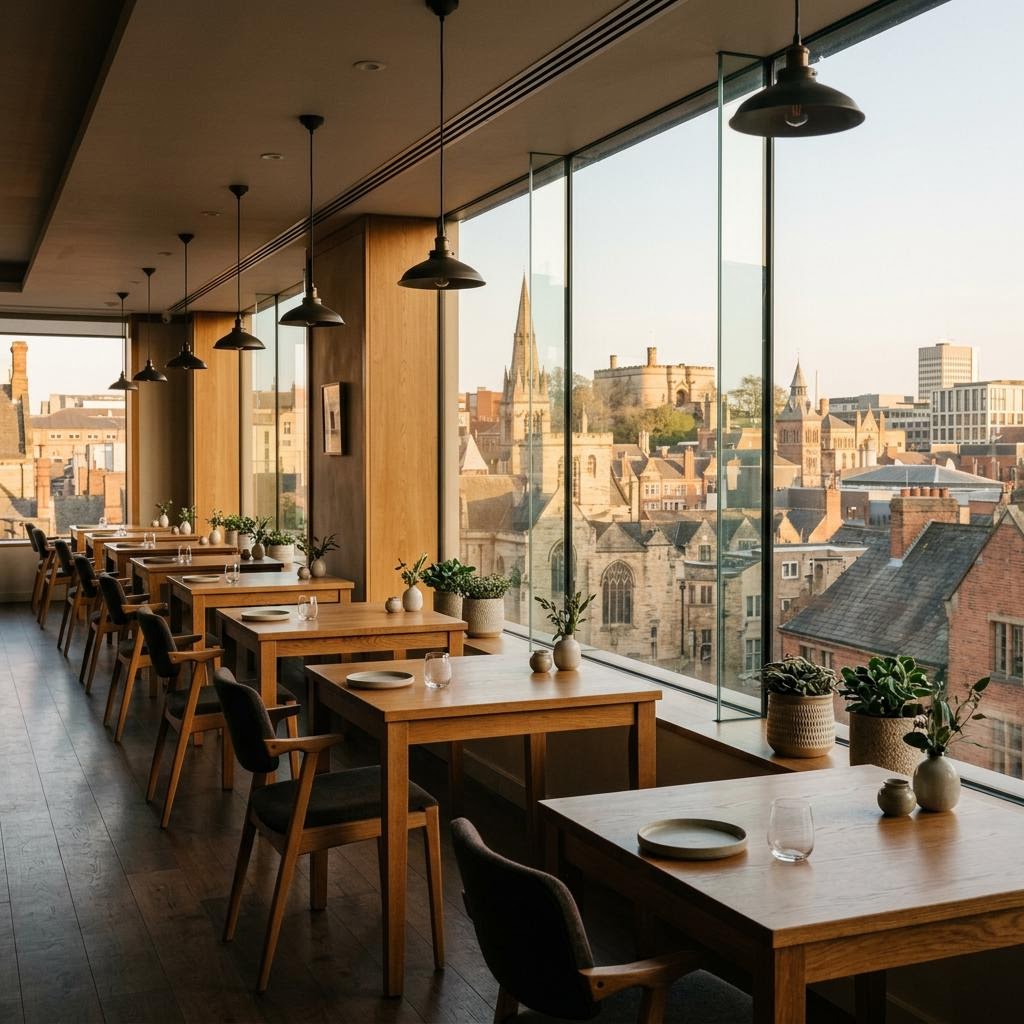
Restaurant EPOS in Nottingham: handle menu choices clearly.
Compare ordering screens, modifiers and kitchen tickets. Use this guide to frame a product demo around your own operation.
Start with an actual order.
The best way to compare systems is to follow what staff and customers need to do, not assume one setup suits every venue.
Try this in a demo
Use a real menu item with options and substitutions to test the entire order journey.
Ask how the proposed configuration handles exceptions as well as the usual order. Product options and support arrangements should be confirmed for your venue.
Check the hand-offs before you decide.
Use these questions to evaluate a Nottingham restaurant setup against your own menu, team and service pattern.
- 01
Can the menu express required and optional choices?
- 02
Are changes legible on the kitchen display or ticket?
- 03
How are unavailable items removed from ordering?
Products to compare for this workflow.
These are starting points, not a fixed package. Choose the pieces that fit your operation.
Talk through your Nottingham setup.
Tell us how service works today. Ask for a product demo or a callback through the contact form.